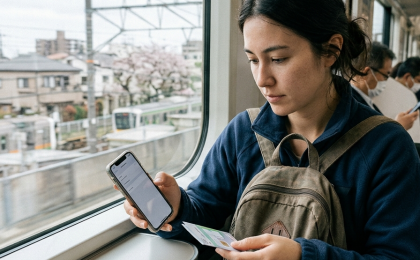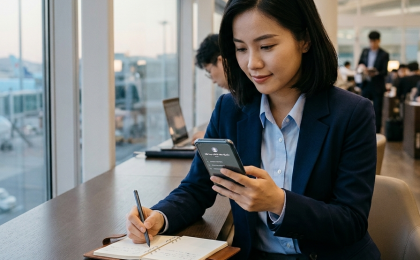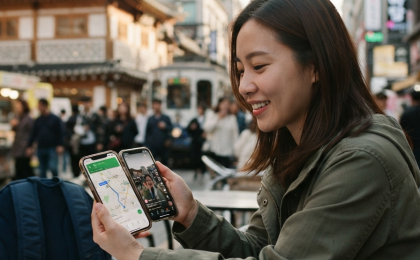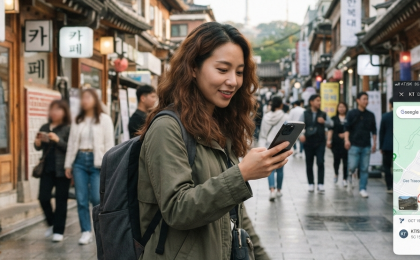



Embarking on an international journey, particularly to a vibrant destination like South Korea, requires careful planning to ensure a smooth and enjoyable experience. One critical aspect often overlooked by travelers is their mobile phone's network status. A locked phone can quickly turn into a significant inconvenience, hindering your ability to stay connected, navigate, or access essential services abroad. At RoamLink VN, we understand the importance of seamless connectivity for global explorers. Therefore, we highly recommend, Sir/Madam, that you verify if your phone is network unlocked before you depart for South Korea. This proactive step can save you from potential headaches and unexpected expenses, ensuring you can make the most of your adventure from the moment you land.
Why You Need to Check if Your Phone is Network Unlocked
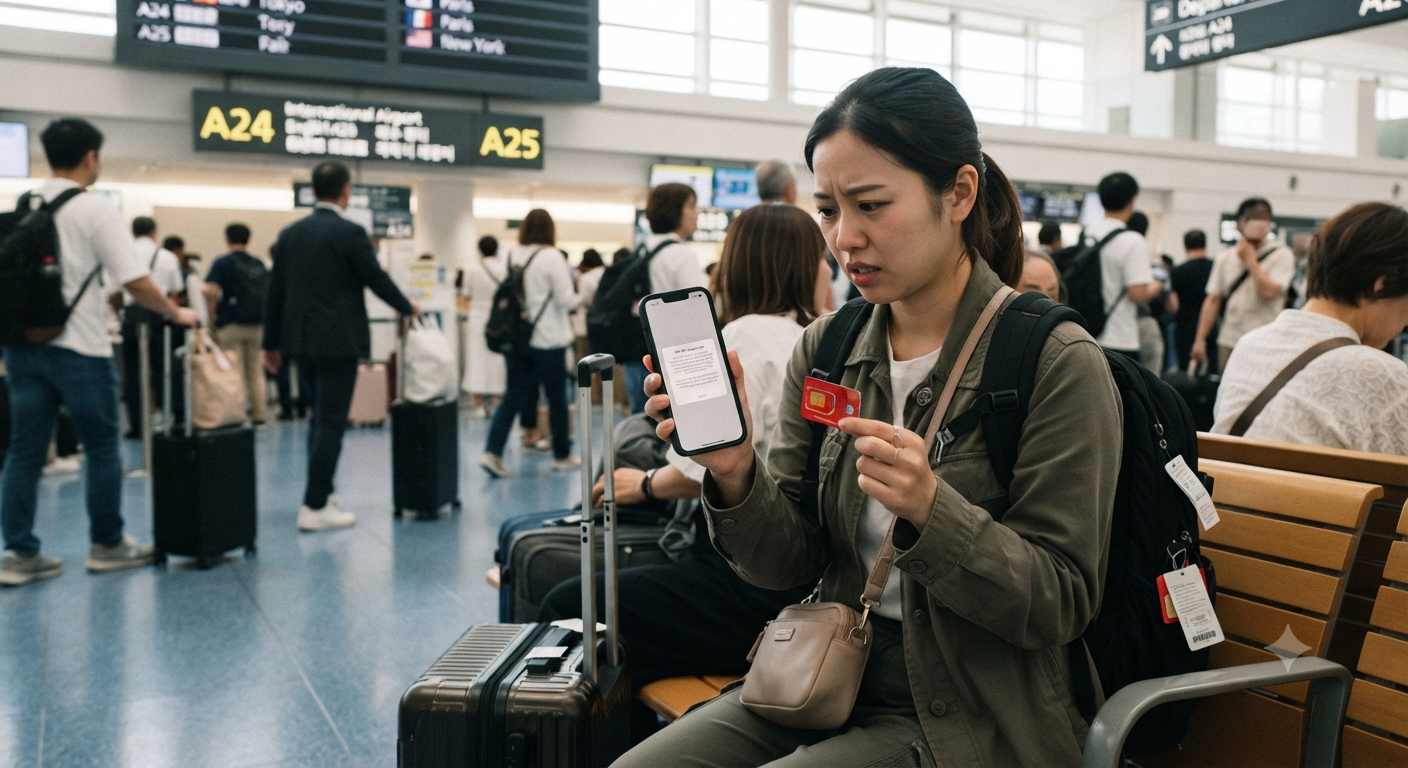
The concept of a 'network-locked' phone might be unfamiliar to some, but its implications for international travel are profound. When a phone is network-locked (or 'carrier-locked'), it means the device is configured to work exclusively with the network of the provider from whom it was purchased. This restriction prevents you from using a SIM card from any other carrier, both domestically and internationally. For travelers heading to South Korea, this poses a significant challenge.
The primary reason to ensure your phone is unlocked before your trip is to gain the freedom to choose local connectivity solutions. Relying on your home carrier's international roaming services can quickly become exorbitantly expensive, with high daily fees for data, calls, and texts. These costs can accumulate rapidly, leading to bill shock upon your return. An unlocked phone, however, allows you to purchase a local SIM Korea or an international eSIM upon arrival or even before your departure. These options are typically far more affordable, offering generous data allowances, local call rates, and often unlimited messaging, tailor-made for travelers' needs.
Furthermore, an unlocked phone provides unparalleled flexibility. Imagine needing to contact local services, use navigation apps, or share your experiences in real-time without worrying about connectivity or cost. With an unlocked device, you can simply swap out your home SIM for a cost-effective international SIM card or activate an eSIM travel plan, securing instant and reliable access to local networks. This ensures you remain connected for emergencies, access digital boarding passes, stay in touch with loved ones, and fully immerse yourself in the South Korean experience without connectivity constraints.
How to Check if Your Phone is Network Unlocked
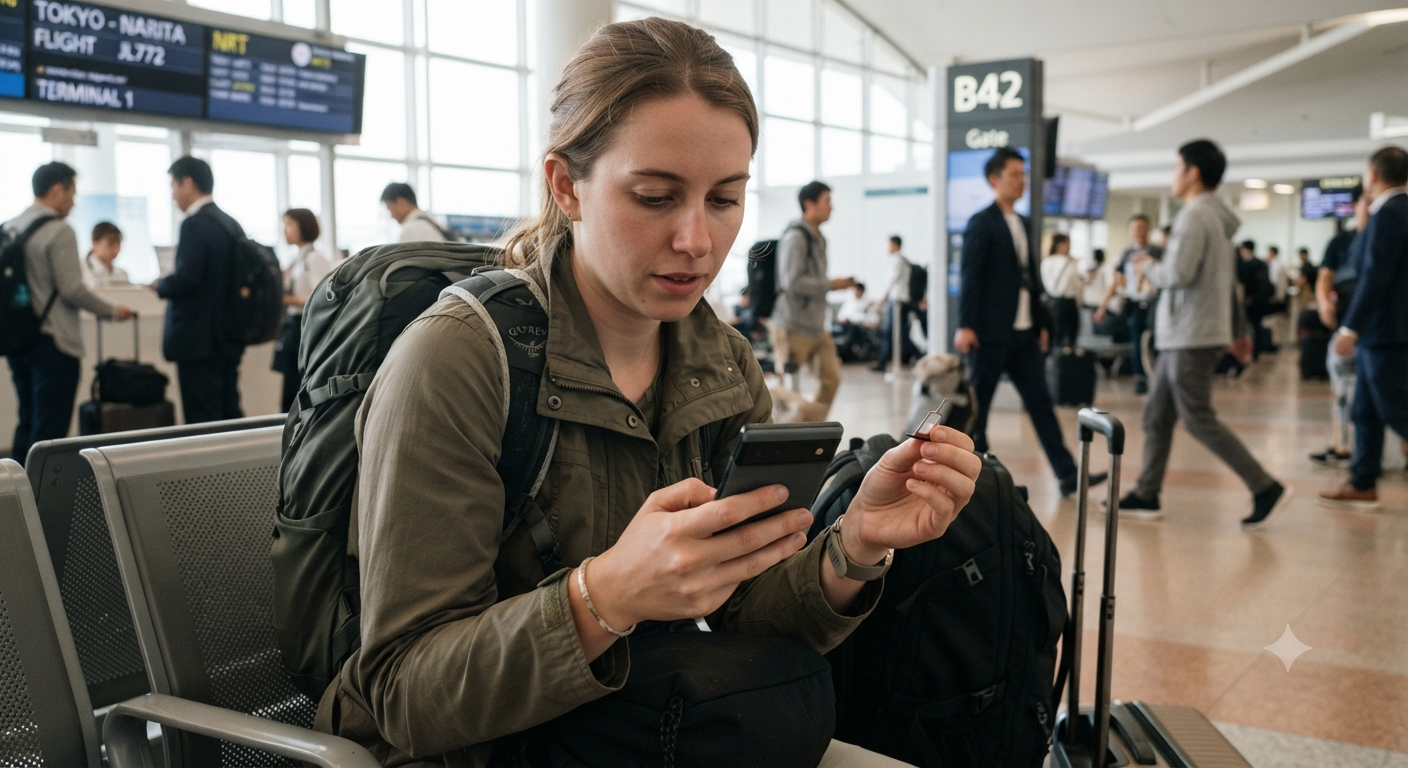
Determining whether your phone is network unlocked is a relatively straightforward process. Here are a few methods you can employ to check the status of your device:
- Insert a SIM Card from Another Carrier: The simplest and most definitive test. If you have access to a SIM card from a different mobile network provider (one that is not your current carrier), insert it into your phone. If the phone successfully connects to that new network, displays signal bars, and allows you to make calls or access data, then your phone is likely unlocked. If it displays an error message such as 'SIM Not Supported,' 'Network Locked,' or asks for an 'Unlock Code,' your phone is carrier-locked.
- Check Your Phone Settings (iOS): For iPhones, navigate to 'Settings' > 'General' > 'About'. Scroll down and look for a field labeled 'Carrier Lock' or 'Network Provider Lock'. If it says 'No SIM restrictions,' your iPhone is unlocked. If it shows anything else, it is likely locked.
- Check Your Phone Settings (Android): The exact path can vary slightly between Android manufacturers and versions. Generally, you can go to 'Settings' > 'About Phone' > 'SIM Card Status' or 'Network'. Look for information related to 'Network Lock' or 'Mobile Network State'. If it indicates 'Unlocked' or 'Open,' your device is good to go.
- Contact Your Current Mobile Carrier: If you are unsure or prefer a direct confirmation, the most reliable method is to contact your current mobile service provider. They can access your account information and tell you definitively whether your phone is locked or eligible for unlocking. Be prepared to provide your account details and potentially your phone's IMEI number.
- Use an IMEI Checker (Caution Advised): Several online services allow you to check your phone's unlock status by entering its IMEI (International Mobile Equipment Identity) number. You can find your IMEI by dialing *#06# on your phone. While these services can offer an indication, their accuracy can vary, and some may charge a fee. It is always best to verify with your carrier for definitive information.
What to Do if Your Phone is Network Locked
Discovering that your phone is network locked before an international trip can be frustrating, but rest assured, Sir/Madam, there are typically solutions available. The primary course of action involves contacting your current mobile carrier to request an unlock.
- Contact Your Carrier for Unlocking: Most carriers have a policy for unlocking devices, especially after a certain period of contract fulfillment or if the device was purchased outright. You will need to contact their customer service department and inquire about their unlocking requirements. Be prepared to provide your account information, your phone's IMEI number, and explain your reason for needing the unlock (i.e., international travel).
The unlocking process can vary in terms of conditions, fees, and processing time: Some carriers may unlock your device for free if you've fulfilled your contract, while others might charge a fee or require that you be a customer for a minimum duration. The unlock can take anywhere from a few hours to several business days, so it's crucial to initiate this process well in advance of your departure date. Once approved, the carrier will usually provide you with instructions on how to complete the unlock, which might involve entering a code or connecting your phone to a computer for a software update.
If, for some reason, your carrier cannot or will not unlock your phone, or if you simply prefer not to go through the unlocking process, you still have alternatives:
- Rent a Local Phone: In South Korea, it's possible to rent a local phone upon arrival at airports or through various service providers. This option ensures you have a functioning device with local connectivity for the duration of your trip.
- Use a Portable Wi-Fi Device (Pocket Wi-Fi): A portable Wi-Fi hotspot is an excellent alternative. These devices create a personal Wi-Fi network that multiple devices can connect to. You can rent them in South Korea or purchase an international one before you leave. This allows your locked phone to connect to the internet, enabling messaging apps, navigation, and web browsing.
- Consider an Older, Unlocked Phone: If you have an old, unlocked smartphone lying around, you could use it as your primary device for your trip. Simply transfer your essential apps and data, and you'll be ready to use any international SIM or eSIM.
Preparing the Best Connectivity for Your Trip to South Korea
Ensuring you have reliable and affordable connectivity is paramount for a stress-free and enriching experience in South Korea. With an unlocked phone, or by planning with alternative solutions, you open up a world of convenient and cost-effective options. RoamLink VN specializes in providing seamless connectivity solutions for international travelers, and we are here to help you prepare for your journey to South Korea.
We offer a range of products specifically designed to keep you connected, whether you prefer traditional SIM cards or the modern convenience of eSIMs:
- SIM Cards for South Korea: Our physical SIM cards for South Korea provide robust network coverage, generous data allowances, and competitive rates, allowing you to make local calls, send messages, and browse the internet without hassle. These are ideal for travelers whose phones support physical SIMs and prefer a tangible product.
- eSIM for Travel: For modern smartphones that support eSIM technology, our eSIM travel options offer unparalleled convenience. You can purchase and activate an eSIM plan from the comfort of your home, receiving a QR code or activation details instantly via email. This means you'll have connectivity the moment your plane lands in South Korea, without the need to find a physical store or swap SIM cards. eSIMs are digital, secure, and incredibly flexible, allowing you to manage multiple profiles on a single device.
By choosing RoamLink VN, Sir/Madam, you benefit from a variety of packages tailored to different travel durations and data needs, ensuring you only pay for what you use. We pride ourselves on offering competitive prices and reliable service, backed by clear policy and customer support to assist you every step of the way. Don't let connectivity concerns overshadow your South Korean adventure. Plan ahead, check your phone's unlock status, and select a RoamLink VN solution to ensure you stay connected seamlessly throughout your trip.
Contact information
CÔNG TY TNHH GIẢI PHÁP DU LỊCH ROAM LINK
Address: Số 11 Đường 17, Phường An Lạc, Quận Bình Tân, TP. Hồ Chí Minh
Hotline: 0911 500 408
Email: johnyfung@roamlinkvn.com
Website: roamlinkvn.com